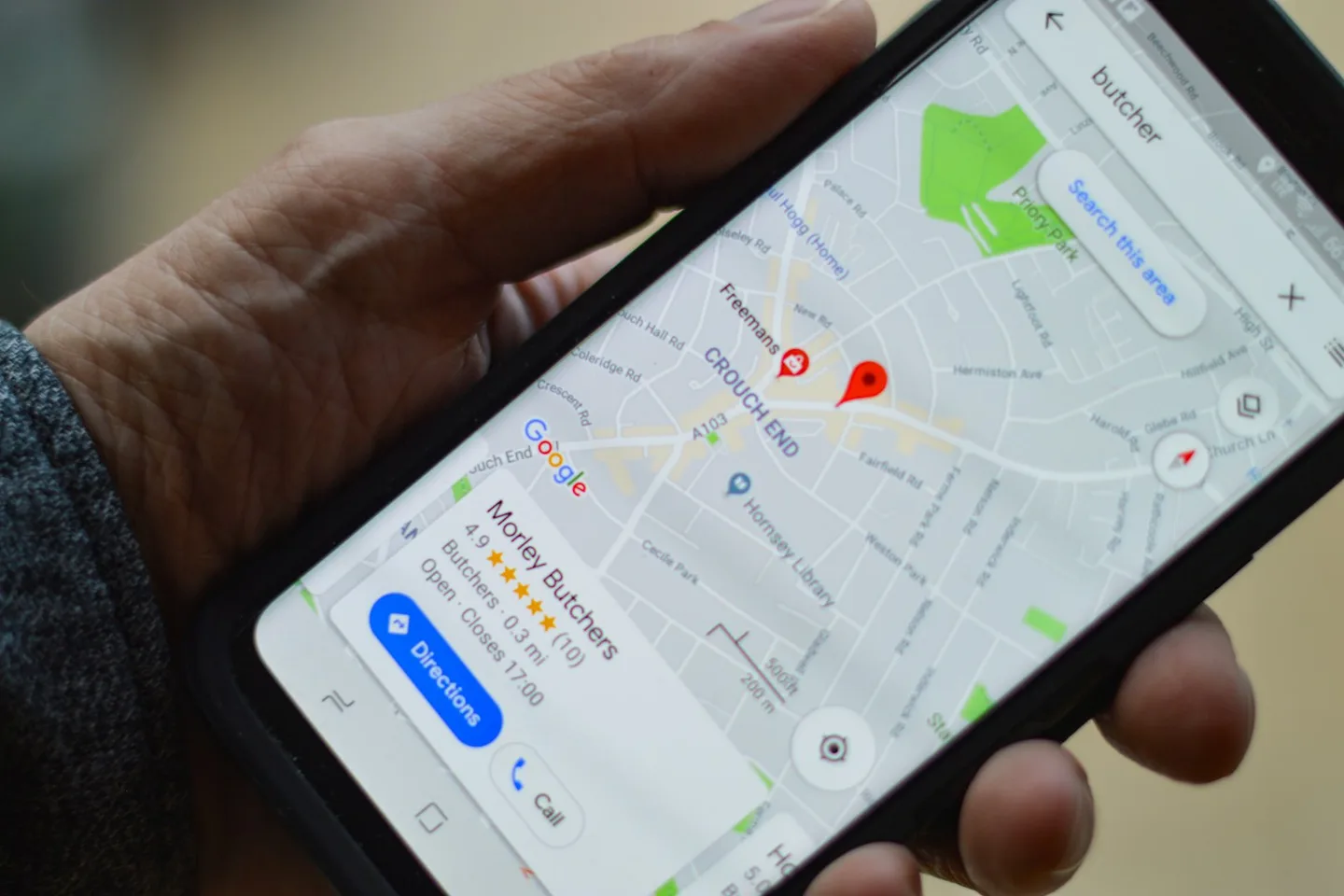
Is it your website, your Maps listing or your ranking?
Google Search results can include ordinary website pages and local results connected to Google Business Profiles. They are related, but publishing a website does not automatically create a Business Profile, and verifying a profile does not guarantee that every website page is indexed. Your first search should establish which surface is missing.
| What you see | Likely question | First place to check |
|---|---|---|
| Your exact website URL does not appear | Can Google index this page? | Search Console URL Inspection and Page indexing |
| Your business name has no Maps panel or listing | Is the Business Profile live and eligible? | Business Profile verification and status |
| You appear by name, but not for a service and city | Is your business relevant and competitive for that search? | Profile details, service pages and Search Console queries |
| You appear on some phones or suburbs but not others | Is the result location dependent? | Local ranking and the searcher's location |
Try your exact business name and address, your exact domain, and one realistic service query such as ‘air conditioning installation Brisbane’. Note the device and location used. A single manual search is a clue, not a reliable ranking report, because local results depend partly on where the searcher is.
If the website is missing, check whether Google has indexed it
Open Google Search Console for the correct domain property. Inspect the home page and an important service page by pasting their full URLs into URL Inspection. Check whether each URL is indexed, whether Google can fetch it, and which canonical URL Google selected. The Page indexing report helps reveal broader patterns across the site.
- Confirm the live page returns successfully and is not behind a password or staging restriction.
- Check for a noindex directive, a robots.txt block, an incorrect canonical URL or a redirect to another page.
- Make sure the page is linked from your navigation or another relevant page, and included in a current XML sitemap.
- Look for pages that were removed during a redesign without a relevant redirect.
- If the site is new, allow time for discovery and crawling; submitting a sitemap or requesting indexing is a request, not a guarantee.
If the Maps listing is missing, inspect your Google Business Profile
A Google Business Profile is the listing that can appear in Google Maps and local Search results. Sign in to the account that manages it. Check whether the profile is verified, visible to customers, and free of a suspension or pending issue. Search for the exact business name in Maps before judging visibility for broad service keywords.
- Use your real business name, the most accurate primary category and an honest service description.
- Keep hours, phone number, website URL and relevant services current.
- Show a real staffed address only if customers can visit it; a business that travels to customers should set an appropriate service area and hide a residential address.
- Check for a duplicate listing, incorrect pin, outdated contact details or a profile managed by an old agency account.
- Add genuine business and work photos and respond helpfully to customer reviews.
Do not add city names or search terms to your business name unless they are part of its real-world name. Google’s profile guidelines also restrict virtual offices and duplicate profiles. These shortcuts can create a bigger visibility problem than the one you started with.
If you appear by name but not for ‘service near me’, improve relevance
A profile can be live and still appear lower than nearby competitors for a generic search. Google describes local ranking mainly through relevance, distance and prominence. Distance is partly outside your control. Relevance and the quality of information you provide are useful places to work, while legitimate reviews and recognition develop over time.
| Factor | What to inspect | Useful action |
|---|---|---|
| Relevance | Do your category, services and pages match what customers ask for? | Describe actual services in plain language and give important services clear pages. |
| Distance | Is the search being made from inside the area you actually serve? | Set an honest service area; do not invent locations. |
| Prominence | Are there genuine reviews, mentions and links that establish the business? | Ask customers for honest reviews and make real work and credentials visible. |
| Customer confidence | Can a visitor quickly see coverage, proof and how to contact you? | Improve the website's mobile enquiry path and contact details. |
For website pages, avoid the temptation to paste a list of suburbs into every footer. A page about a real service in a real area should explain what you do there, who it helps, proof of work and the next step. Create separate location pages only where the information is genuinely distinct.
Make the website a clear answer to local service searches
Search terms are useful when they represent real customer questions. A pest control company might need pages for termite inspections and general pest treatments because those customers need different information. An air conditioning company might separate installation, servicing and repairs. The purpose is to help each visitor understand the relevant service, not to repeat ‘Brisbane pest control’ in every sentence.
- Write a descriptive page title and heading that identify the real service and location where appropriate.
- Explain the problems you handle, your process, coverage, timing and what an enquiry involves.
- Show authentic reviews, project photos, qualifications or examples near the point of decision.
- Link from the home page to priority service pages and from those pages to the enquiry route.
- Check that mobile visitors can use the phone number, booking option or quote form easily.
Measure search visibility before deciding what to change next
Search Console shows queries, pages, impressions and clicks for your website in Google Search. Business Profile performance describes interactions with the profile. Look at each separately. A rising number of impressions for a relevant service phrase can indicate growing visibility even before enquiries increase; clicks without enquiries suggest a different problem.
- Record the baseline for relevant non-branded queries and the pages receiving impressions.
- Check whether the profile is found by business name and by appropriate service searches from relevant locations.
- Track actual calls, quote requests or bookings, rather than treating impressions as sales.
- Review changes over several weeks and compare like-for-like periods; one search on one phone is too noisy.
Google visibility FAQs
Why does my business show up when I search its name but not its service?
A branded search is more specific. A broad service search compares your business with other relevant local options. Check your Business Profile category, service information and website pages, then use Search Console to see which non-branded queries already generate impressions.
Why is my website not on Google even though it is live?
Being live does not prove a page has been crawled and indexed. Inspect the exact URL in Search Console, then check access, noindex, canonicals, redirects and sitemap discovery.
How long does it take a new website to appear on Google?
Discovery and crawling can take days to weeks, and a request to index a page does not guarantee inclusion. Ranking for competitive local terms can take longer and depends on more than indexing.
Does a Google Business Profile replace a website?
A profile helps people find basic business information on Search and Maps. A website gives you room to explain services, show proof and offer a clear enquiry path. Many local businesses benefit from both.
Can I pay Google to rank my Business Profile higher?
Google says you cannot request or pay for a better local organic ranking. Ads are a separate paid product and do not purchase a higher organic Maps position.